Anti-Fatigue Mat Size Guide: How Big Should Yours Be?

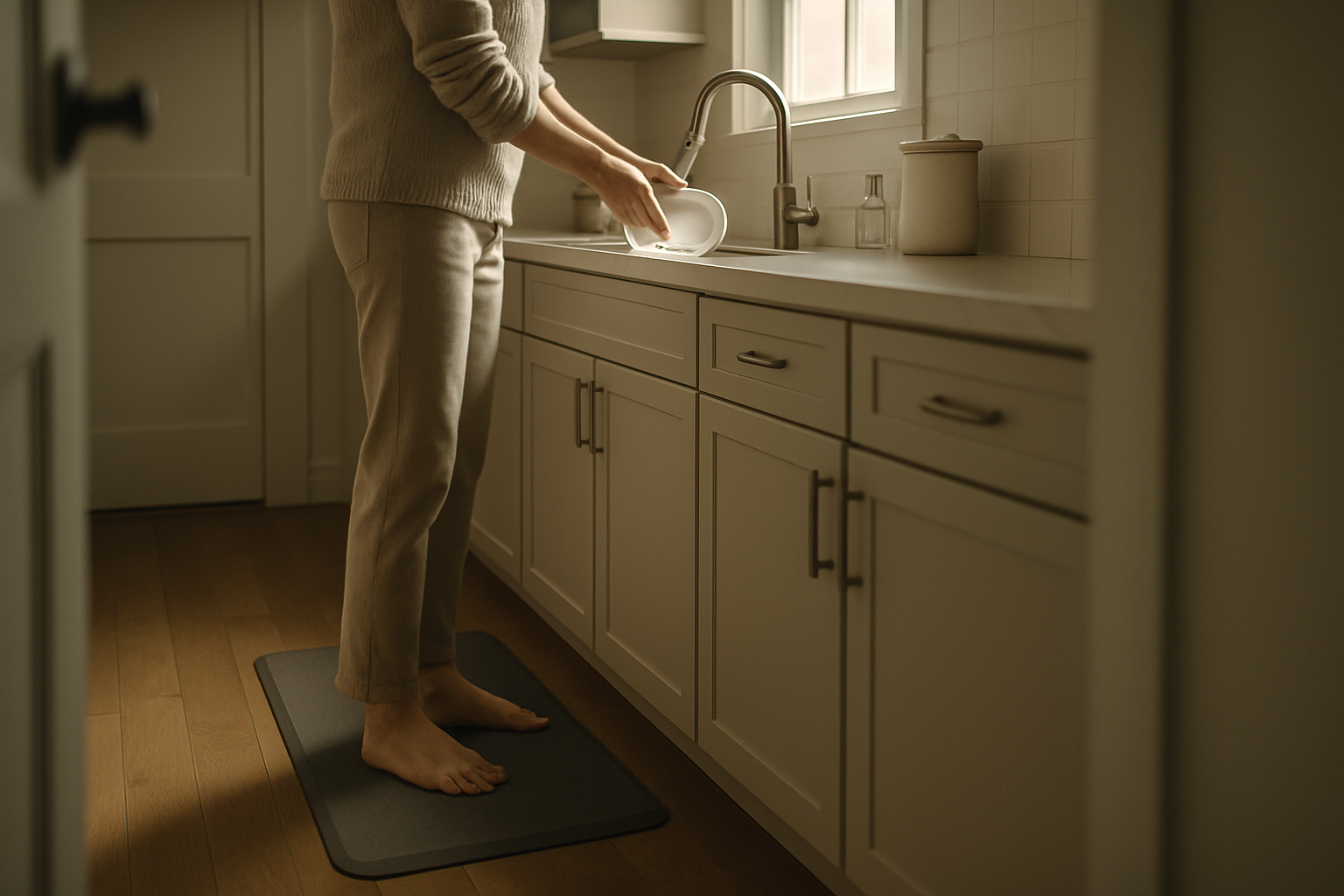
Photo by Tim Mossholder on Unsplash
Anti-Fatigue Mat Size Guide: How Big Should Yours Be?
A 5‘10” person with a 28-inch-deep desk typically needs a 36×48-inch mat, while a 6‘2” person with the same desk benefits from 48×60 inches. Choosing an anti-fatigue mat that’s too small leaves your feet and legs unsupported where you need it most. Too large, and it dominates your floor space and creates tripping hazards.
Why Mat Size Matters More Than You Think
An undersized mat forces you to stand in the same footprint repeatedly, concentrating pressure on the same joints. A mat that’s 24 inches wide might work for a narrow desk, but if you’re 6 feet tall with a 30-inch-deep desk, you’ll spend half your day standing on bare floor behind the mat. Conversely, a 4×6-foot mat in a 6×8-foot office corner becomes a stubbing hazard and eats workspace you might need for movement.
The goal is coverage that matches your natural standing zone—the area where your feet actually land when you’re working at your desk, plus a small buffer for weight shifts and micro-movements.
Standard Anti-Fatigue Mat Dimensions and What They Fit
Most manufacturers offer mats in a handful of common sizes, each designed for specific desk and body configurations.
Small mats (18–24 inches wide, 24–36 inches long) These fit standing desks in tight quarters or paired with narrow workstations. Examples include the Cushion Step 24×36 and Ergomat Pro 20×30, both designed for single-user setups in compact spaces. They’re common in RV offices, tiny home setups, or shared desks where multiple people rotate throughout the day. If your desk is under 24 inches deep, a small mat is usually sufficient.
Medium mats (30–36 inches wide, 36–48 inches long) The workhorse size. A 30×48-inch mat accommodates most standing desk users of average height (5‘4”–5‘10”) who stand fairly still. It’s wide enough to allow side-to-side weight shifts and long enough to keep your heels on the mat even when leaning toward the desk.
Large mats (48+ inches wide, 48–60 inches long) Built for tall users, active standers, or dual-monitor setups where you might rotate 45 degrees. A 4×6-foot mat gives you room to pace, shift weight freely, and adjust your stance without stepping off. It’s also the right choice if your desk is deeper than 30 inches and you stand at a distance from it.
Custom or modular mats Some brands sell interlocking tiles or custom-cut options. These let you build a mat footprint that exactly matches your floor plan, though they typically cost more than standard rectangular sizes.
How to Measure Your Actual Standing Zone
Before buying, map out where your feet actually go. For practical reference, consider printing a template of your desk footprint on paper or using a smartphone photo to mark where your heels and toes land—this visual record helps you compare against mat dimensions in-store.
-
Mark your desk depth. Measure from the front edge of your desk to the back edge. Add 6–12 inches behind the desk (for your heels when you’re standing upright and relaxed). This is your minimum mat length.
-
Measure your shoulder width and add buffer. Most people’s shoulders are 16–20 inches wide. Add 4–6 inches on each side for weight shifts and micro-steps. This is your mat width. If you’re taller or broader, add more.
-
Test your natural stance. Stand at your desk as if you’re working. Have someone mark where your heels land and where your toes point. That zone should sit comfortably within the mat boundaries.
-
Account for monitors and equipment. If your monitor is far from your body, you might lean forward more, shifting your weight zone. A longer mat compensates.
Matching Mat Size to Desk Depth
Desk depth is the single biggest driver of mat length.
- Shallow desks (20–24 inches): A 30–36-inch mat is usually enough. Your feet won’t be far from the desk edge.
- Standard desks (24–30 inches): Plan for a 36–48-inch mat. This keeps your heels on the mat when standing at a natural distance.
- Deep desks or L-shaped setups (30+ inches): A 48–60-inch mat is safer. You’ll be standing farther back, and a longer mat prevents your heels from hanging off the edge.
If you’re unsure, err on the side of longer. A mat that’s 12 inches too long is inconvenient; one that’s 6 inches too short defeats the purpose.
Height, Build, and How You Stand
Taller users naturally stand farther from their desks. A 6‘2” person with long arms won’t need to lean in as much as someone 5‘4” with the same desk. Conversely, if you have a habit of shifting weight side-to-side (common among people with restless energy or certain types of work), you need width.
Per user feedback in standing-desk communities, many tall users report that 48-inch-long mats feel cramped, while 60-inch mats allow them to stand comfortably without thinking about mat boundaries. Users under 5‘6” often find a 36–42-inch mat sufficient.
Your build matters too. Broader shoulders or wider hip placement means you need a wider mat. A 30-inch-wide mat might feel tight for someone with a 20-inch shoulder width; a 36-inch mat is safer.
Common Sizing Mistakes to Avoid
Buying based on desk size alone. A 48-inch-wide desk doesn’t automatically call for a 48-inch-wide mat. Your standing zone is narrower than your desk surface.
Assuming “one size fits all.” Office mat suppliers sometimes push 36×60-inch mats as universal. They’re not. A 5‘4” person in a shallow desk and a 6‘2” person in a deep desk have completely different needs.
Forgetting about heels. Many people underestimate how far back their heels sit. A mat that covers only the front 24 inches of your standing zone leaves your heels on bare floor, negating the mat’s benefit.
Ignoring future growth. If you’re setting up a new standing desk and might add a second monitor or keyboard tray later, buy a slightly larger mat now. Upgrading later is annoying and expensive.
Overbuying for tiny spaces. A 4×6-foot mat in a 5×8-foot office corner creates a tripping hazard and limits your ability to move. If your space is tight, stick with a 30×48-inch mat and accept that you’ll step off occasionally.
FAQ
Q: Can I use a mat that’s too small and just replace it later? A: Not comfortably. An undersized mat forces you to stand in a fixed footprint, concentrating pressure on the same joints day after day. You’ll likely experience more fatigue, not less. It’s worth measuring once and buying right the first time.
Q: What if my standing zone is irregular or L-shaped? A: Modular or interlocking mats let you create custom shapes. Alternatively, two smaller mats positioned end-to-end can work, though the seam might create a tripping hazard.
Q: Does mat thickness affect how much size I need? A: No. Thickness (typically 0.5 to 1.5 inches) affects comfort and durability, not your standing zone. A thin mat and a thick mat of the same dimensions cover the same floor area.
Q: Should my mat extend under my desk? A: Partially. The front 6–12 inches can extend under the desk without creating a trip hazard. The bulk of the mat should sit in front of the desk where you’re standing. If the mat extends too far under, it becomes a stubbing hazard when you push your chair in.
Q: How do I know if I’ve picked the right size? A: Stand at your desk for 10–15 minutes. Your heels should be on the mat, your toes should be on the mat, and you should be able to shift weight side-to-side without stepping off. If you’re constantly aware of the mat’s edge or stepping off during normal work, it’s too small.
Summary
The right anti-fatigue mat size is determined by your desk depth, your height and build, and how actively you shift weight while standing. Start by measuring your actual standing zone—from 6–12 inches behind where you stand, out to your shoulders plus a few inches on each side. Standard sizes (30×48 inches for average users, 36×60 inches for taller or more active standers) cover most setups. Avoid common mistakes like buying based on desk size alone or underestimating how far back your heels sit. Once you’ve nailed your dimensions, you can confidently shop for a mat that’ll actually reduce fatigue instead of creating new frustrations.